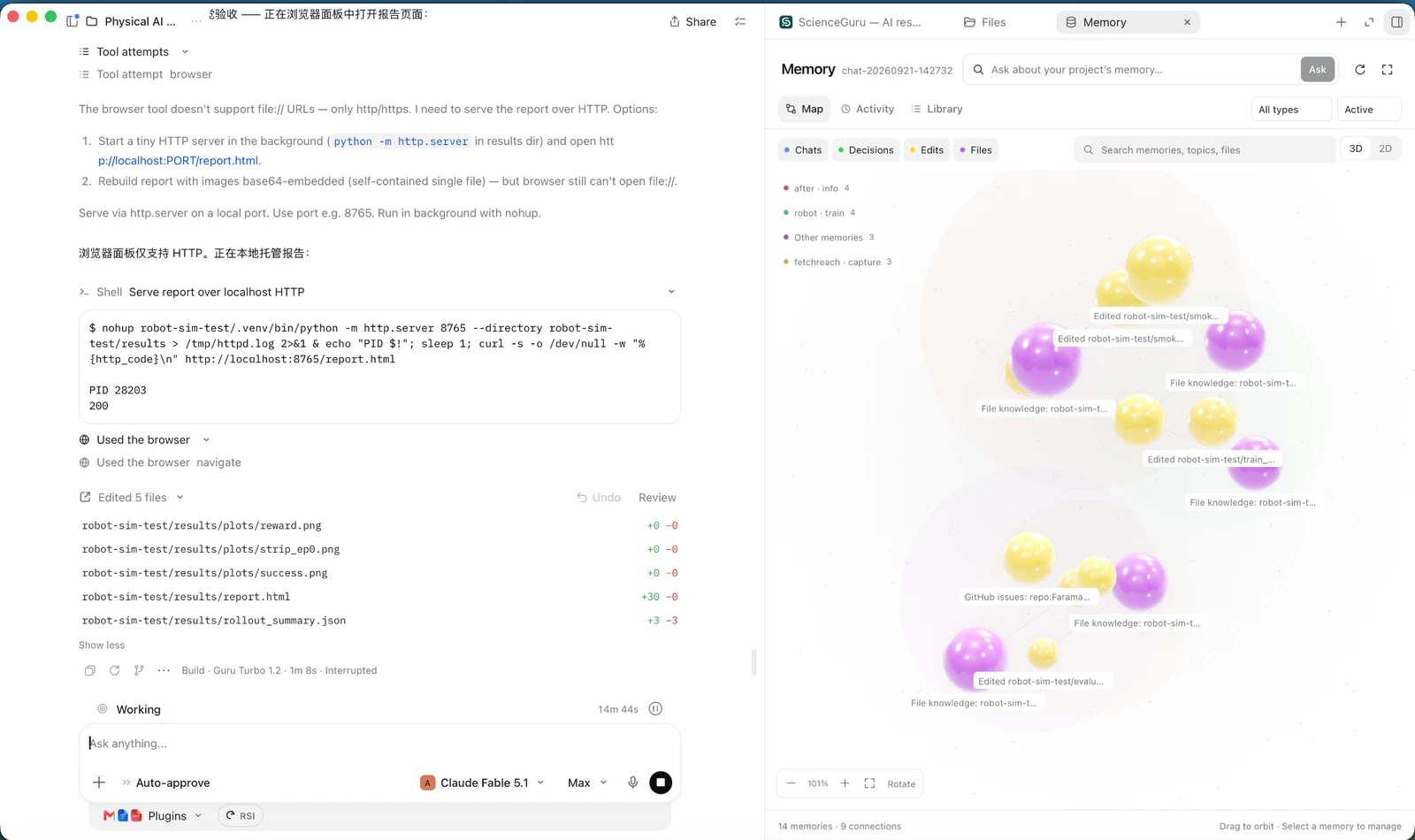
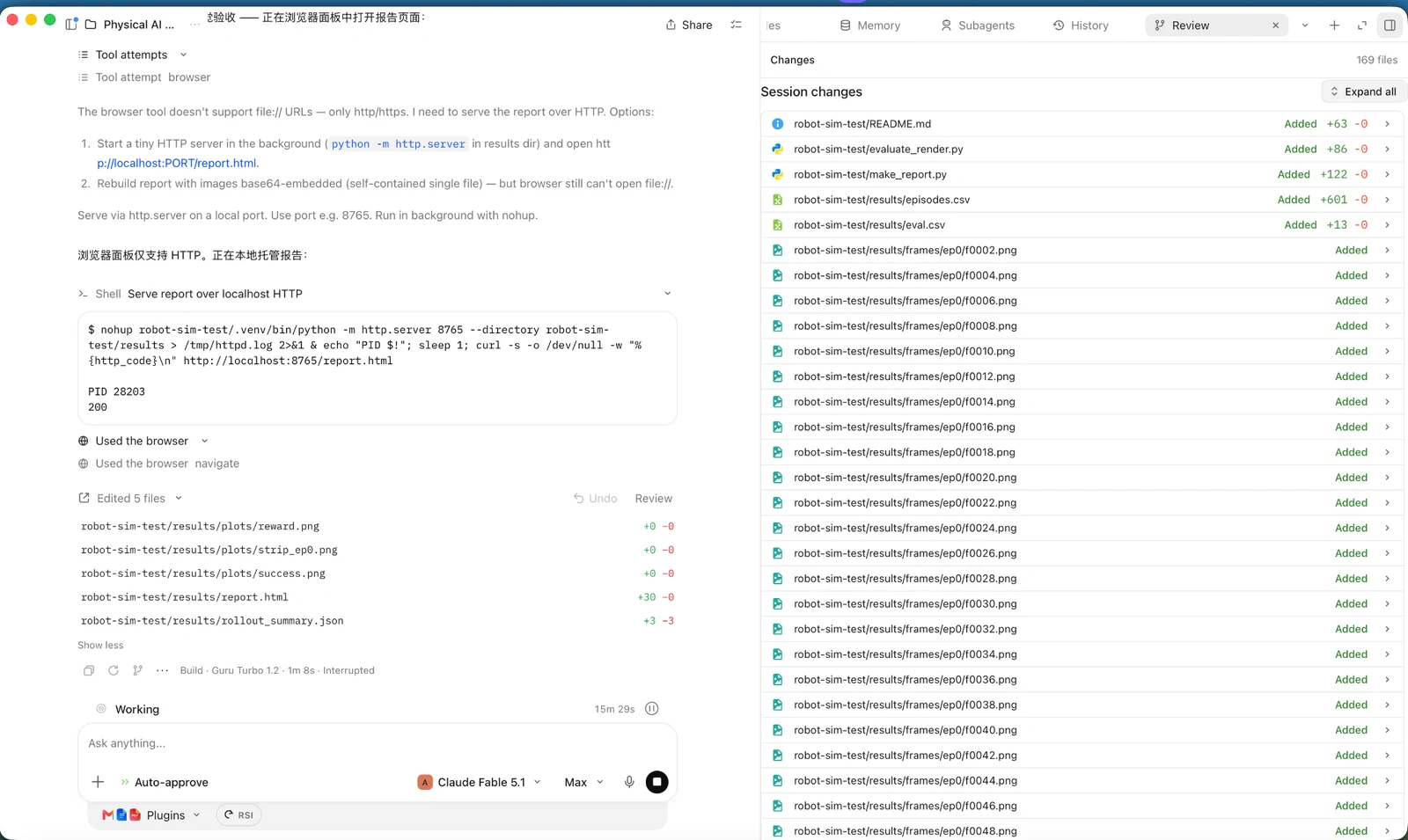
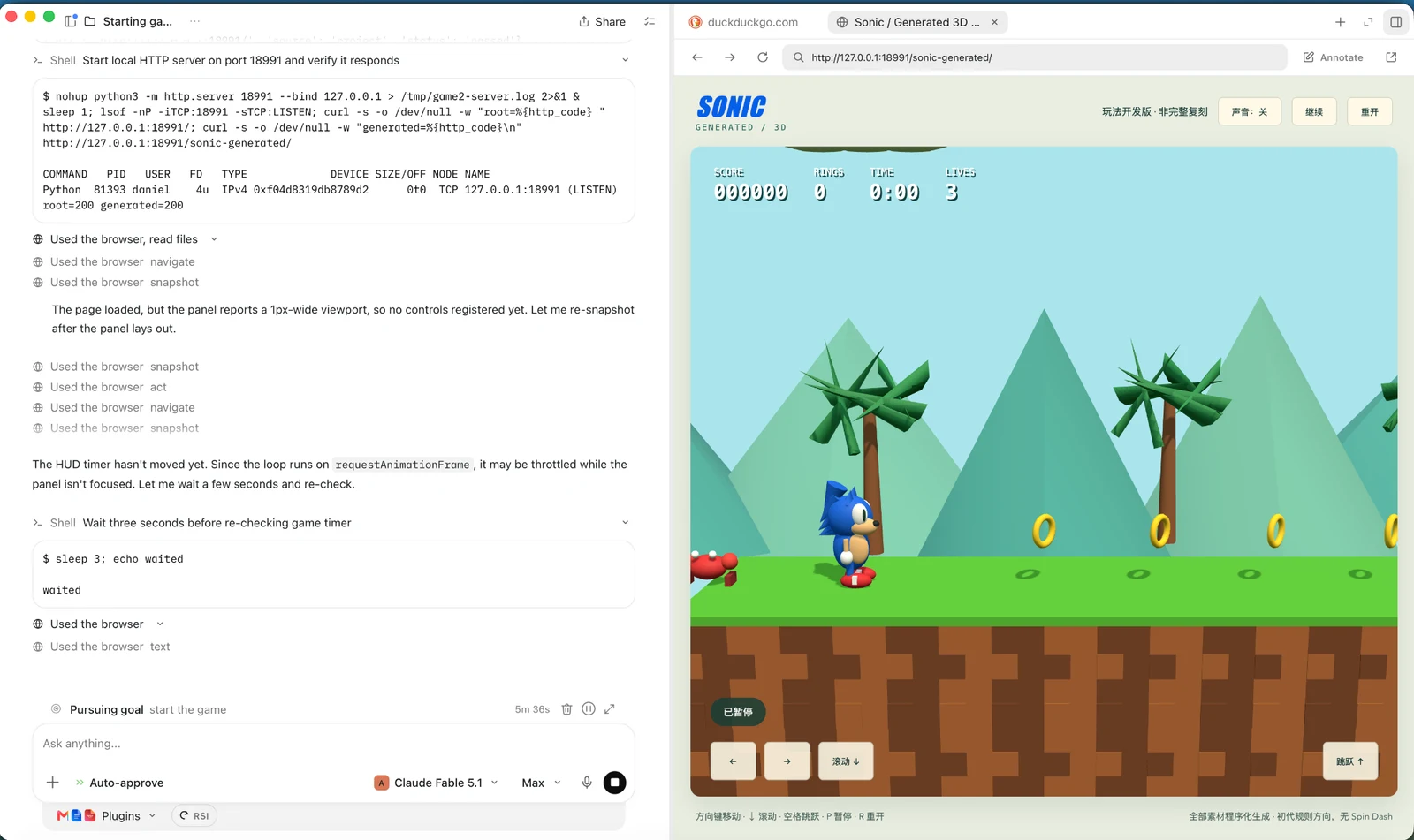
A closer look at the shared ScienceGuru desktop workspace.
Public screenshots from scienceguru.ai. EDU has its own registration flow and model access; these images are not a live EDU session.
From a research question to the work behind it.
Read & write
PDF / LaTeX / Presentations
Literature & LaTeX
Search literature, read PDFs, work with references and compile LaTeX in the research workspace.
Presentations
Prepare presentation materials with the slides workflow and review the exported deck.
Build & analyse
Source / Terminal / Analysis
Code & terminal
Work with project files, edit code and run commands through the integrated terminal.
Data & figures
Use project data with analysis scripts and plotting tools. Inspect the outputs before using them in your work.
Connect & present
Browser / SSH
Browser tools
Open and interact with web pages in the built-in browser while working on a project.
Remote environments
Connect to a server you control over SSH. Available hardware and permissions come from that server, not the EDU subscription.
Included models. Your providers.
Use the model access provided through your EDU account, or connect an existing subscription or API key. The two sources are separate; your own provider bills your own usage.
Bring your own provider
OpenAIChatGPT subscription sign-in or API key
AnthropicAPI key
Z.AI / GLMCoding plan key
Moonshot KimiCoding plan key
Any OpenAI-compatible endpointBase URL and key
Supported integrations are not a promise of free access to every model from those providers. Models →
Provided through EDU
Access through your EDU account, without a separate provider key. Account limits apply.
ScienceGuru Turbo 1.0autotrust/turbo-1.0
GPT-6 Lunaopenai/gpt-6-luna
Claude Haiku 5.5anthropic/claude-haiku-5.5
DeepSeek V4 Flashdeepseek/deepseek-v4-flash
GLM 5.3 Flashzai/glm-5.3-flash
JEV-27B-VLautotrust/jev-27b-vl
Invitation, verified email, then a short review.
01
Get an invitation code
Codes come from people already using Guru EDU — your supervisor, a colleague, a lab mate. Every account can invite others.
02
Register in the app
Download Guru EDU, choose Create an account, and enter the invitation, your university email and the six-digit code we email you. Any university address works with a valid invitation.
03
Wait for our email
We review each registration. You get a confirmation straight away and a second email the moment your account is ready to sign in — usually quickly; a little longer if your institution is new to us.
Questions
Who pays for model calls?+
EDU-provided models use your platform allocation and are subject to account limits. When you connect your own subscription or API key, usage is billed by that provider under your plan.
Does it work with my lab server?+
You can connect a server you control over SSH. Server access and compute resources are your own; EDU does not include a GPU allocation.
Which systems?+
Guru EDU is available for Windows x64, macOS (Apple silicon and Intel in one universal installer), and Linux as an amd64 DEB package tested on Ubuntu 24.04. Choose your platform on the download page.
I don't have an invitation.+
Ask someone who already uses Guru EDU — every account can invite others, and the code is in their Invite tab. There is no open sign-up and no web form; registration happens in the app with an invitation.
My university isn't on your list.+
It doesn't need to be. A valid invitation code admits any university email. If your institution is not yet among our first batch of enabled universities, your registration simply goes into a review queue and we email you when it is approved.
Why is there a review step?+
Guru EDU is for researchers, and invitations travel person to person. A short review after registration lets us keep it that way while still accepting any university address. You are told the outcome by email either way.